
Want to Find B2B Leads on Your Own? I Understand Your Thinking
"I don't want to spend big money on databases, I want to find B2B leads on my own."
This is what many people think. Indeed, databases are expensive, and data quality isn't necessarily good. More importantly, leads you find yourself are often more precise and have higher conversion rates.
But the problem is: finding leads on your own takes too much time. Spending hours every day searching on Google, clicking into websites one by one, finding emails, organizing lists... This way, you have no time to do other things.
Today I want to share a complete practical guide on how to efficiently find B2B leads on your own, ensuring both quality and time savings.
Why Is Finding Leads on Your Own Better?
First, let me explain why finding leads on your own is better:
- Low Cost: No need to pay for databases, only need the tool itself
- High Precision: Can customize searches according to your specific needs, finding truly relevant leads
- Fresh Data: Data you find yourself is the latest, unlike databases that may be outdated
- Control: You can completely control search strategies, adjusting according to results anytime
But the key is: How to efficiently find leads on your own?
Method 1: Google Advanced Search (Free but Time-Consuming)
The most basic method is using Google advanced search syntax.
Common Search Syntax:
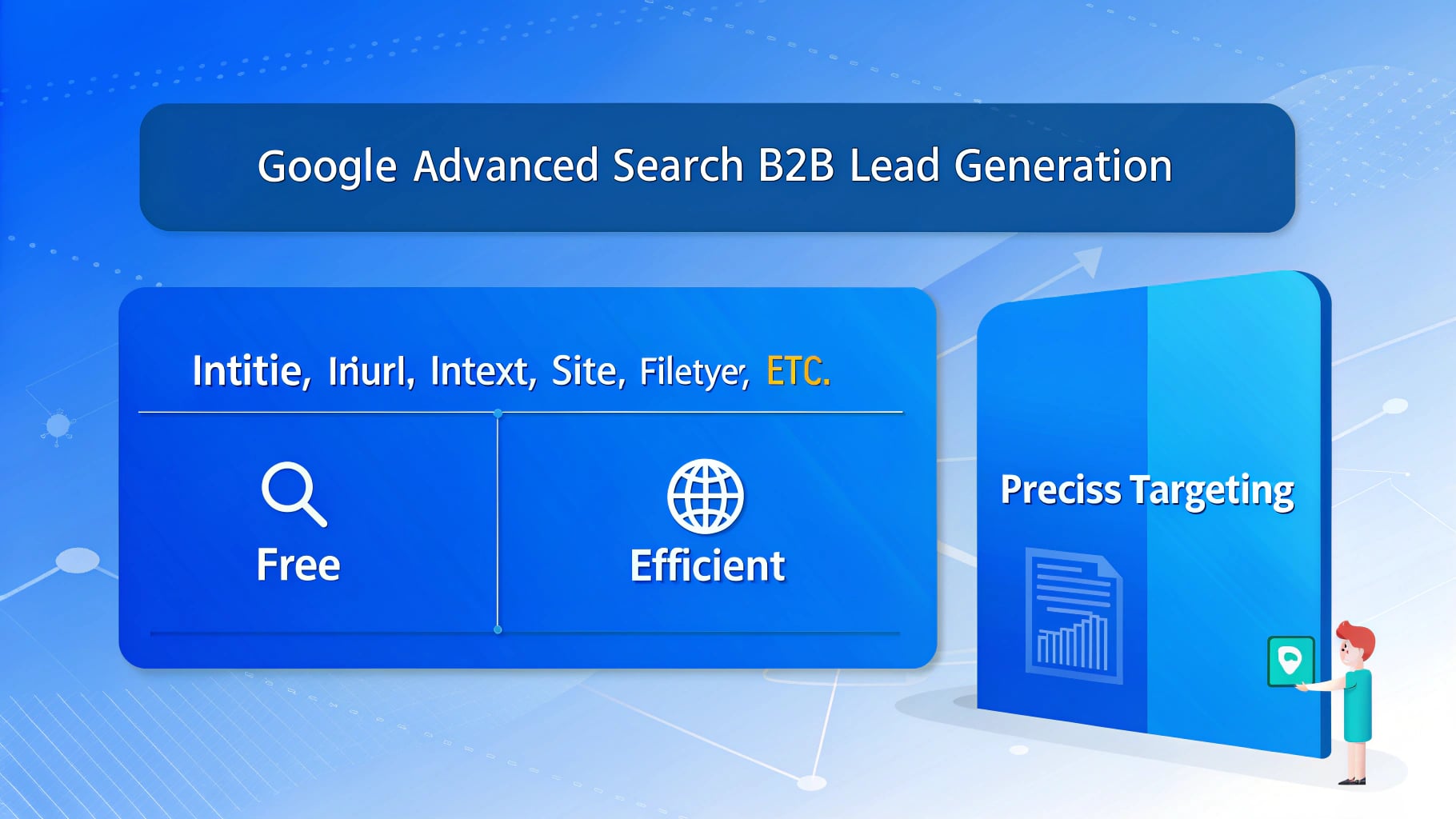
intitle:"keyword": Search for web pages with keywords in the titleinurl:"keyword": Search for web pages with keywords in the URLintext:"keyword": Search for web pages with keywords in the textsite:domain: Search within a specified websitefiletype:pdf: Search for PDF files
Practical Example:
Suppose you want to find leads for "manufacturing ERP systems", you can search like this:
intitle:"manufacturing ERP" contactinurl:"contact" "manufacturing" "ERP"site:manufacturing.com intext:"email"
Advantages:
- Completely free
- Can precisely target customers
- Wide data sources
Disadvantages:
- Requires a lot of manual work
- Time-consuming and labor-intensive
- Easy to miss
- Troublesome data organization
My recommendation: If you have plenty of time, you can try this method. But if you need to quickly acquire large numbers of leads, this method is too inefficient.
Method 2: Automation Tools (Efficient but Requires Tools)
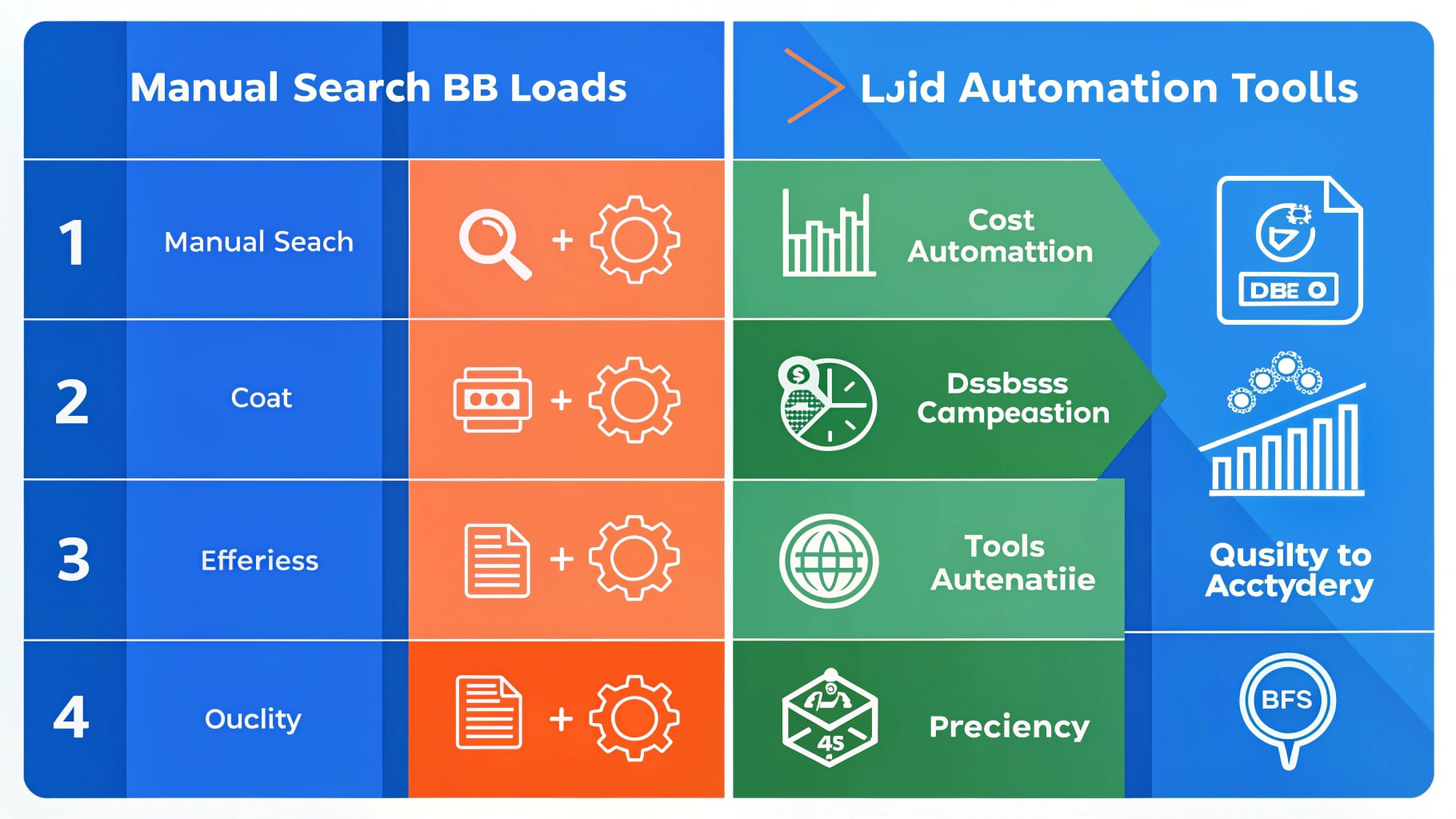
To improve efficiency, I chose automation tools.
My workflow is:
- Define search strategies using Google advanced search syntax
- Use automation tools to batch search and extract emails
- Export CSV, import into CRM system
- Start follow-up
This way, I can ensure both lead quality (through Google advanced search syntax) and improve efficiency (through automation tools).
My Automation Solution: mnmLeads
For automation tools, I chose mnmLeads. Why? Because it perfectly combines Google advanced search and automation.
Advantage 1: Based on Google Advanced Search Syntax
mnmLeads supports all Google advanced search syntax (intitle, inurl, intext, site, filetype, etc.), can precisely target customers. This means you can use familiar search syntax to find truly relevant leads.
Advantage 2: Fully Automated
After setting up keywords and search syntax, mnmLeads runs completely automatically. You can do other things (sleep, go out, etc.), and when you come back, the system has silently crawled all web pages and organized the email list for you.
More importantly, mnmLeads supports resume from breakpoint functionality. Even if a task is interrupted, it can continue running without losing progress.
Advantage 3: Fully Compatible with CRM and EDM Systems
CSV files exported from mnmLeads can be directly imported into CRM systems (such as HubSpot, Salesforce, etc.), and can also be directly imported into EDM systems (such as MailChimp, etc.). This way, you can seamlessly connect to subsequent marketing work.
Advantage 4: Low Cost
Compared to database subscriptions (hundreds to thousands of dollars per month), mnmLeads is a one-time cost that can acquire large numbers of precise leads, with average cost far lower than databases.
My recommendation: If you need to efficiently find leads on your own, mnmLeads is the best choice. It ensures both quality (through Google advanced search syntax) and efficiency (through automation), while reducing costs (compared to databases).
Method 3: Combination Strategy (Best Practice)
After years of practice, I've found: There's no perfect method, only the most suitable combination.
My combination strategy is:
- Use Google Advanced Search to Define Strategy: Determine search syntax and keywords
- Use mnmLeads to Automate Execution: Batch search and extract emails
- Use CRM System to Manage: Unified follow-up and lead management
This way, I can ensure both quantity and quality while controlling costs.
Real Case: My Complete Process
Let me share a complete case:
Goal: Acquire 200 B2B leads for a SaaS product
Strategy:
- Define search strategy using Google advanced search syntax (intitle:"SaaS" "contact")
- Use mnmLeads to automate execution, set to search 10 pages of results
- Export CSV, import into HubSpot CRM
- Start email follow-up
Result:
- Total Time: 2 hours (setup + waiting for automation to complete)
- Leads Acquired: 200 precise emails
- Cost: $50 (mnmLeads basic plan)
- Average Customer Acquisition Cost: $0.25 per lead
- Conversion Rate: 12% (24 sales meetings)
- Actual Customer Acquisition Cost: $2.08 per meeting
This cost is very competitive in the B2B space, and much cheaper than database subscriptions.
Common Pitfalls and How to Avoid Them
When finding B2B leads on your own, avoid the following pitfalls:
Pitfall 1: Search Syntax Too Broad
- Problem: Searching for "manufacturing", too many results, low quality
- Solution: Use more precise search syntax, such as
intitle:"manufacturing ERP" contact
Pitfall 2: Not Excluding Irrelevant Domains
- Problem: Search results include many irrelevant websites (such as social media, e-commerce platforms)
- Solution: Use mnmLeads' exclude domain feature to automatically filter these websites
Pitfall 3: Not Organizing Data
- Problem: Found emails scattered everywhere, not organized
- Solution: Use mnmLeads to automatically organize, export CSV, import into CRM system
Pitfall 4: Relying Only on One Method
- Problem: Only using manual search, too inefficient
- Solution: Combine Google advanced search and automation tools
Conclusion: Finding Leads on Your Own = Precise + Efficient + Low Cost
After years of practice, I've found: Finding leads on your own is indeed better, but the key is to use the right method.
My recommendation:
- Use Google Advanced Search Syntax to Define Strategy: Ensure finding truly relevant leads
- Use mnmLeads to Automate Execution: Improve efficiency, save time
- Use CRM System to Manage: Unified follow-up and lead management
This way, you can ensure both quantity and quality while controlling costs.
Most importantly: continuously test and optimize. There's no one-size-fits-all method. Only through continuous learning and improvement can you find the lead generation combination that best suits you.
Want to learn more? Check out mnmLeads pricing plans, start with the free version, and upgrade to more powerful plans anytime. Start your automated lead generation journey!